In made-to-order furniture workshops, the classic workflow looks like this: the customer describes or sketches, the designer draws, someone enters dimensions into Excel or a cutting program, then the file reaches the CNC. Each step is a chance to change a dimension, a hole, or an edge band.
Where the errors actually come from
We are not inventing percentages. In practice, mistakes appear when:
- the same dimensions are rewritten several times (paper → CAD → Excel → machine);
- the showroom catalog does not share the same manufacturing limits as the workshop;
- holes and hardware are added “from memory” after the cabinet is already drawn;
- checks are done on a list, not on the panel, before export.
The machine cuts what it receives. If the file is wrong, the panels come out wrong — regardless of which CNC you use.
What a single 3D model changes
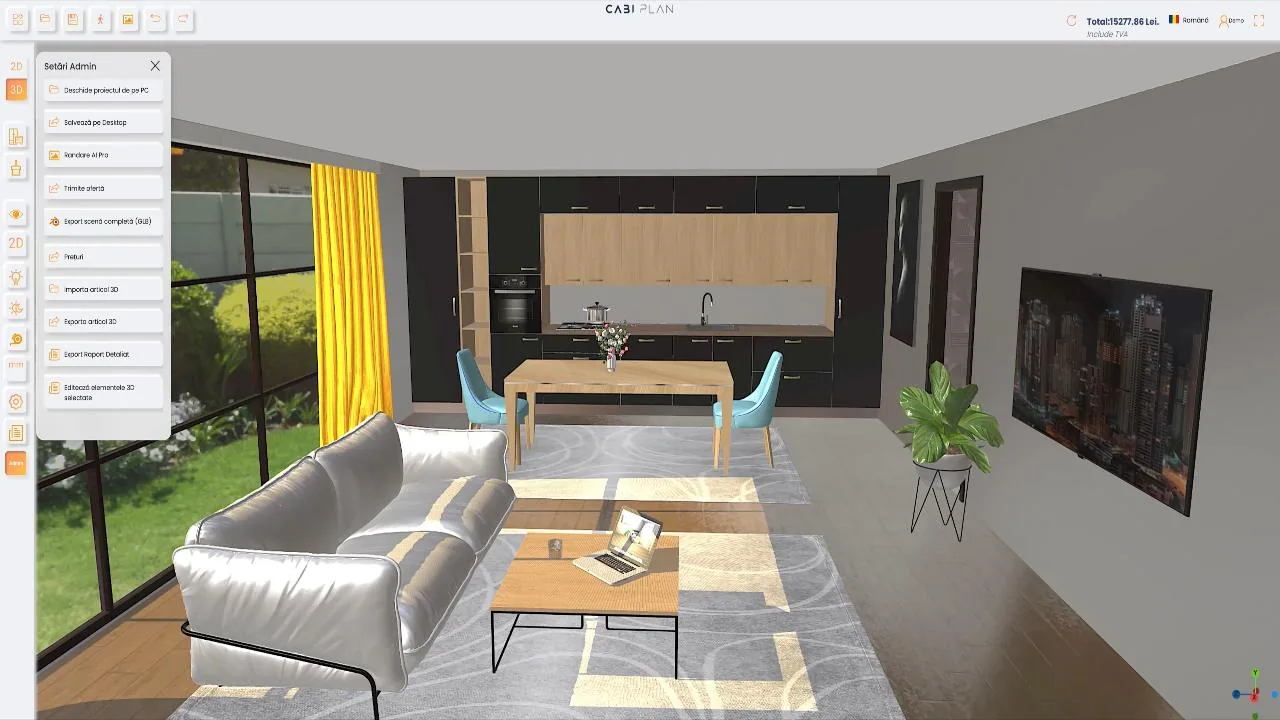
The idea in Cabi Plan is simple: the cabinet and the room stay the same model from customer to workshop. In Planner 3D, the customer or consultant configures on the website or in the showroom. In Standalone Editor you build panels, formulas, hardware, and holes. From the same project you can prepare cutting data (including fields for list / Excel) and check holes on the panel with the CNC inspector, before you send the file.
The CNC export module is activated separately, as an add-on — see details on pricing and the CNC integration page. Export formats depend on your workshop setup.
Practical checklist (no jargon)
- Min/max limits on catalog cabinets — what can be manufactured, not only what looks good on screen.
- No manual re-entry of dimensions between showroom and cutting.
- Holes and hardware defined on the cabinet (including Blum BXF import where applicable), not “added along the way.”
- CNC inspector on the panel before export — see what goes to the machine.
- The same project for VAT pricing in the planner and for the parts list to the workshop.
What this article is not
It is not a market study and we do not promise “X% fewer scrap panels.” It is a guide about the typical cause (retyping) and how a single-model 3D workflow reduces the places where you go wrong. For concrete steps in the interface, see the tutorials and guides.